
How it works
We designed this application knowing how loaded ward staff already are. Ease of use and a clear overview of the work came before everything else: all the information a nurse needs fits on one screen, most actions finish in seconds with a single click, and every command is defined down to a small number of steps.
A shift, in five gestures
Admit a patient
Click an empty bed, type the patient's social security number and confirm. The application looks the patient up and fills in the rest of their data. The SSN is the only thing typed.
Move within the unit
Drag the patient's figure onto the target bed. The same gesture works between rooms. Nothing else is needed.
Park in the Depository
Drag the patient into the Depository — or right-click and choose "Move to depository" — while a bed is being prepared.
Propose a transfer out
Right-click the patient and choose "Move to another unit". This proposes the move to the bed manager, who decides. Ward staff cannot quietly relocate a patient into somebody else's unit.
Discharge
Right-click, "Discharge patient", confirm. As with every other action, it is written to the log together with the name of the user who did it.
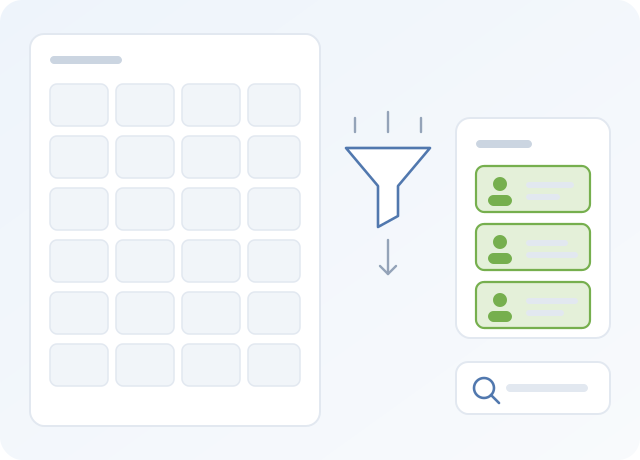
Finding things in a large ward
A filter narrows the rooms shown by room number, by room properties — adults or minors, sex, room type — or by bed properties such as bed type and bed status.
A search box finds a patient by name, surname or social security number, and takes you to the bed they are in.
Colour does the rest of the work. Each bed type has its own colour, and a room type can colour the frame around a whole room, so a category of room or bed is recognisable before you read anything.
What we paid attention to
See it running before you decide
The demo is the real application with sample data. Open a unit, drag a patient onto another bed, and see the log record it.